Acson Aircond Error Codes: What the Blinking Lights Mean
Acson AC showing blinking lights or error codes? Decode what each pattern means and learn how to troubleshoot common Acson aircond problems.
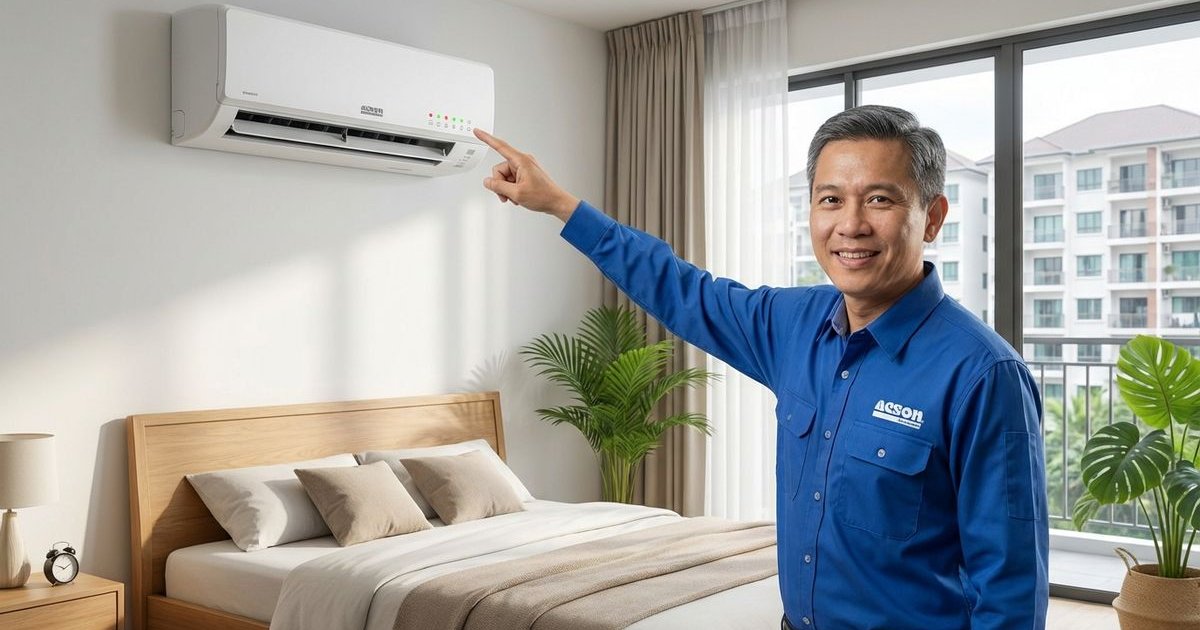
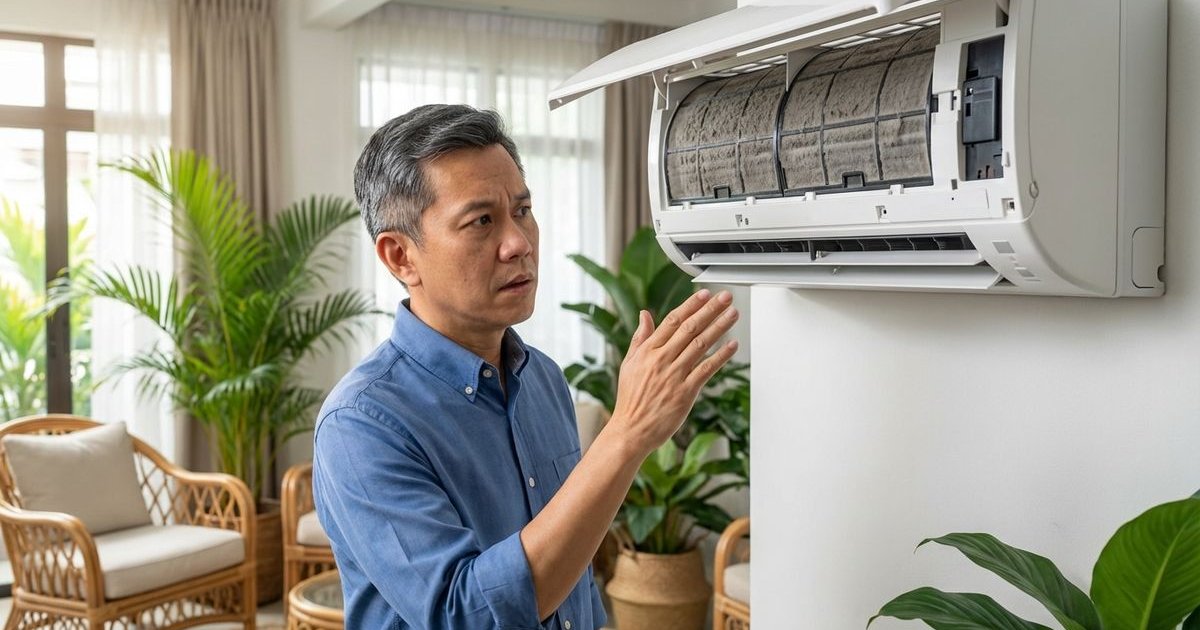
Acson is a popular Malaysian aircond brand known for durability and local support. When your Acson unit encounters a problem, it communicates through LED blinking patterns and error codes. Understanding these signals helps you know whether it’s a simple fix or time to call a technician.
How Acson Communicates Errors
Unlike some brands that rely solely on cryptic alphanumeric codes, most Acson wall-mounted units in Malaysia communicate through the LED blinking patterns on the indoor display. We have found that the specific combination of the “Operation” (Green) and “Timer” (Orange) lights usually holds the key to diagnosing the issue.
You can typically identify the fault by counting the number of times the light blinks before pausing. This pause is usually about 2-3 seconds long before the pattern repeats.
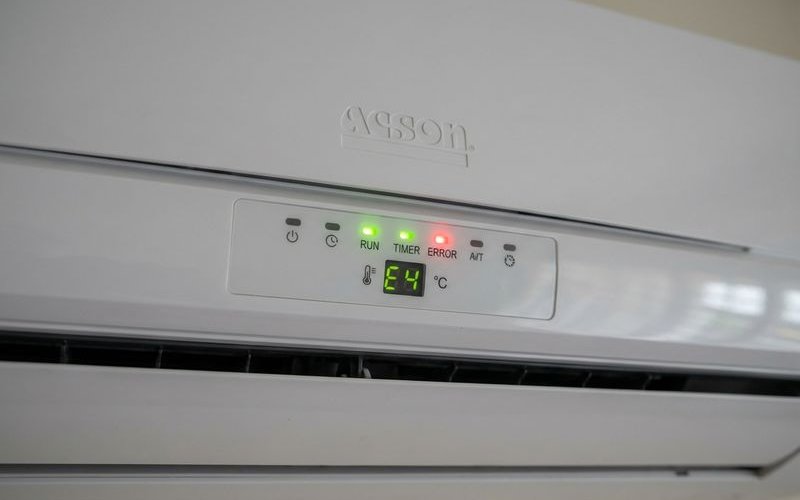
Acson LED Blinking Patterns
Operation Light (Green)
The green light is your unit’s primary status indicator. While it usually signals normal operation, a change in its behavior is often the first sign of a setting mismatch rather than a hardware failure.
| Blinks | Meaning | Action |
|---|---|---|
| Steady on | Normal operation | None needed |
| Slow blink | Timer active | Check if the timer was accidentally set on the remote |
| Fast blink | Unit starting up | Wait 3 minutes (compressor delay protection) |
| Off | Unit is off or power failure | Check your circuit breaker and isolator switch |
Timer Light (Orange/Yellow)
This is where the real diagnostic information lives. If you see the orange light flashing, count the blinks carefully.
| Blinks | Error | What to Check |
|---|---|---|
| 1 blink | Room sensor error | The sensor detecting room temperature is faulty or loose |
| 2 blinks | Indoor coil sensor error | The thermistor on the indoor copper coil has failed |
| 3 blinks | Outdoor unit communication | Critical: Wiring issue or PCB damage (often ants/pests) |
| 4 blinks | Compressor overload | Outdoor unit is dirty, blocked, or overheating |
| 5 blinks | Indoor fan motor error | Fan motor is stuck or capacitor has failed |
| 6 blinks | Outdoor fan motor error | Outdoor fan is not spinning |
| 7 blinks | System pressure error | Low refrigerant (gas leak) or blockage |
| Continuous | General protection | Turn off power immediately and call a pro |
Most Common Acson Problems
3 Blinks - Communication Error
What it means: The indoor unit is trying to send a signal to the outdoor unit, but it’s not getting a reply.
The “Insider” Cause: Our team frequently sees this error in landed properties in Puchong and Selangor due to ants or lizards. These pests are attracted to the warmth of the outdoor Printed Circuit Board (PCB) and can short-circuit the communication wire.
DIY steps:
- Turn off the main power supply (circuit breaker).
- Inspect the wiring connecting the indoor and outdoor units for any visible bite marks or breaks.
- Check the outdoor unit terminal block for visible ant trails.
Call technician if: You see physical damage to the board or if the wiring looks intact but the error persists. Replacing a PCB typically costs between RM300 and RM800 depending on the model.
4 Blinks - Compressor Overload
What it means: The compressor is working too hard and overheating.
The Local Context: During haze season or dry spells in Kuala Lumpur, airborne dust clogs the outdoor condenser coils much faster than usual. This “blanket” of dust traps heat, forcing the compressor to draw more current until it triggers the 4-blink safety cutoff.
DIY steps:
- Go outside and look at the back of your outdoor unit.
- If the metal fins look like a grey carpet, gently wash them with a low-pressure water hose (spray straight on, not at an angle, to avoid bending fins).
- Ensure at least 2 feet of clearance around the unit for airflow.
Call technician if: The unit is clean but the error remains. This could indicate a failing capacitor (approx. RM150-RM180 to replace) or a seized compressor.
5 Blinks - Indoor Fan Motor
What it means: The blower fan inside your room isn’t spinning at the correct speed.
Common causes:
- Capacitor Failure: The small battery-like component that jump-starts the fan is dead.
- Motor Failure: The fan motor bearings are worn out (listen for a grinding noise).
- Dirt Buildup: Extremely dirty blower wheels can become too heavy for the motor to spin.
DIY steps:
- With the unit OFF, use a pen or stick to gently push the blower fan blade.
- It should spin freely. If it feels stiff or gritty, the motor bearings are likely seized.
Call technician if: The fan spins freely by hand but won’t start on its own.
7 Blinks - System Pressure Error
What it means: The system has detected abnormal refrigerant pressure—usually too low.
The “So What”: This almost always means you have a gas leak. Air conditioners do not “consume” gas; it is a closed loop. If you are low on gas, there is a hole in the pipe, a loose flare nut, or a pinhole in the coil.
DIY Warning: Do not just “top up gas.” Without finding and fixing the leak, the new gas will just leak out again in a few weeks.
Call technician: This requires a professional pressure test and leak repair.
Acson Avo Series Specific Codes
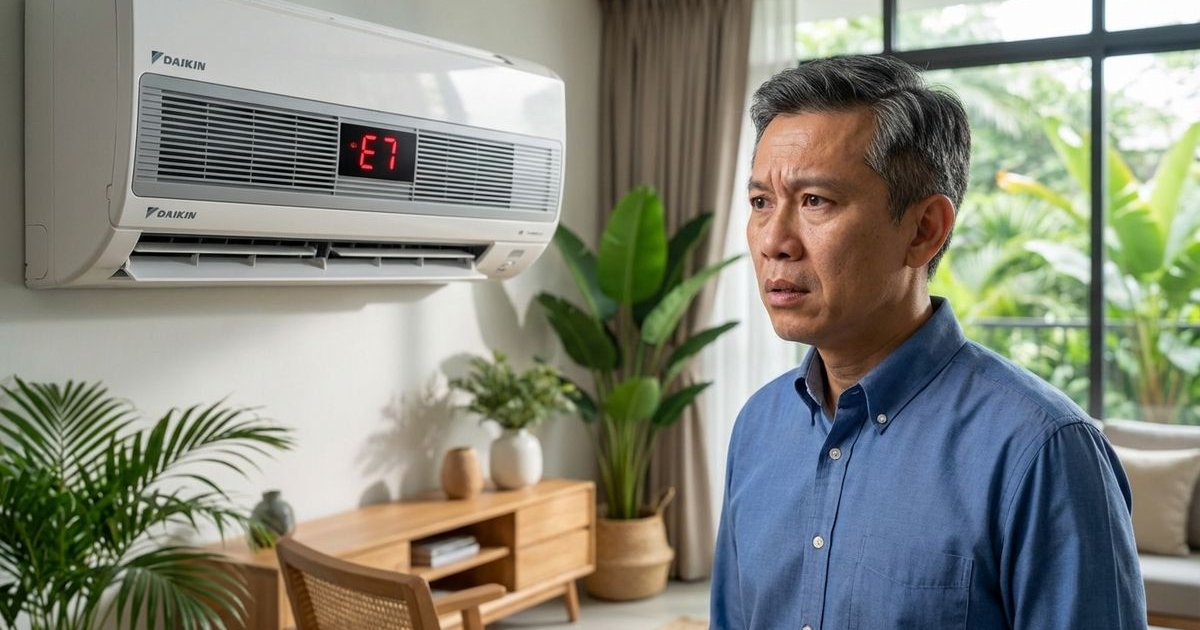
Newer Acson inverter models, like the Avo and Reino series, display digital codes.
| Code | Meaning | DIY Fixable? |
|---|---|---|
| E0 | EEPROM (Memory) error | No (PCB issue) |
| E1 | Indoor/outdoor communication error | Check wiring |
| E2 | Zero-crossing error | No (PCB issue) |
| E3 | Indoor fan speed error | Check for dirt |
| E4 | Indoor ambient sensor error | No (Sensor replace) |
| E5 | Indoor coil sensor error | No (Sensor replace) |
| E6 | Outdoor ambient sensor error | Check outdoor dirt |
| E7 | Outdoor coil sensor error | No (Sensor replace) |
| P0 | Inverter module (IPM) protection | Check voltage |
| P1 | Over/under voltage protection | Wait for stable power |
| P2 | Overcurrent protection | Clean outdoor unit |
| P4 | Inverter compressor overload | Clean outdoor unit |
Important Note on P0/P1 Codes: We often see P0 and P1 errors occur during thunderstorms or in areas with unstable power supply (common in parts of Klang Valley). These codes indicate the unit is protecting itself from a voltage spike or dip.
How to Reset Your Acson Aircond
Before calling for help, try a “Hard Reset.” This clears temporary electronic glitches.
Method 1: The Isolator Reset
- Turn off the aircond using the remote.
- Locate the Isolator Switch (the white squarish switch usually found on the wall near the unit) or the main circuit breaker.
- Flip it to OFF and wait for at least 15 minutes.
- Turn the power back on and try to run the unit.
Method 2: Remote Reset
- Point the remote at the unit.
- Press and hold the RESET button (if available) for 5 seconds using a paperclip.
- Some models: Press TIMER + OFF simultaneously to enter diagnosis mode.
Troubleshooting Checklist
Run through this quick list to rule out simple environmental issues before booking a service.
Power & Voltage:
- Is the main circuit breaker ON?
- Did a thunderstorm occur recently? (Wait 20 mins for voltage to stabilize)
- Is the outdoor isolator switch turned ON?
Airflow & Environment:
- Are the filters clean? (Dirty filters can trigger E5 errors)
- Is the outdoor unit blocked by dried leaves, boxes, or renovation debris?
- Has there been heavy haze recently? (Check outdoor coils)
Physical Inspection:
- Do you see any ant trails going into the outdoor unit?
- Is there water dripping from the indoor unit? (Clogged drain, not an error code)
When to DIY vs Call Professional
Knowing when to stop is key to saving money and staying safe.
DIY vs. Professional Cost Comparison (Estimates)
| Issue | DIY Cost | Professional Cost (Est.) |
|---|---|---|
| Dirty Filters | RM 0 | RM 130 - RM 150 (Chemical Wash) |
| Blocked Outdoor Unit | RM 0 (Water hose) | RM 150 - RM 180 (Chemical Wash) |
| Capacitor Failure | RM 20 - RM 40 (Parts only) | RM 150 - RM 250 (Includes labor & warranty) |
| Gas Leak (7 Blinks) | Not possible | RM 180 - RM 350 (Repair + Refill) |
| PCB Repair (Ants) | Not possible | RM 300 - RM 800 |
Safe to Try Yourself:
- Resetting the breaker: A simple reboot fixes about 20% of “glitch” errors.
- Cleaning filters: Essential for preventing E3 and E5 errors.
- Clearing debris: Removing boxes or leaves from around the outdoor compressor.
Call a Professional:
- Burning smell: Turn off power immediately.
- P-Codes (P0, P2, P4): These involve high-voltage inverter components.
- Refrigerant issues: Handling R32 or R410A gas requires certification.
- Persistent 3 Blinks: Likely requires PCB diagnosis.
Maintenance to Prevent Errors
You can prevent most of these codes with a proactive maintenance schedule tailored to the Malaysian climate.
- Combating Humidity & Ants: Place ant bait/gel around (not inside) your outdoor unit every few months to prevent them from nesting in the warm electronics.
- Voltage Protection: If you live in an area with frequent power trips (like older sections of KL), consider installing a starter with a built-in surge protector to prevent P0/P1 errors.
- Chemical Wash Frequency:
- Normal usage (nightly): Once every 12 months.
- Heavy usage (shops/offices): Once every 6 months.
- Haze/Construction areas: Check outdoor unit every 3 months.
Acson Warranty Coverage
If your unit is relatively new, you might be covered.
- Compressor: 5 years
- General Parts: 1 year
- LBS Homebuyers: If you purchased through specific developer packages (2024-2026), you may have an extended warranty promo.
Check your warranty card. Note that warranty claims typically require proof of regular servicing, so keep your service receipts!
Need Help With Your Acson?
Our technicians are familiar with all Acson models including the Avo series. We can diagnose blinking patterns and error codes quickly.
Diagnostic: RM50 (waived if you proceed with repair)
Related Service
Learn more about our ac repair service